Built for seniors. Reassuring for families.

When tech feels scary, TechBuddy AI makes it simple.

TechBuddy AI helps seniors understand scam texts, suspicious pop-ups, confusing screenshots, and everyday device problems — with family alerts when extra help is needed.

Senior-friendly design • Family alerts by email (SMS coming soon) • Secure web thread viewer
TechBuddy AI provides guidance and may not always be correct.
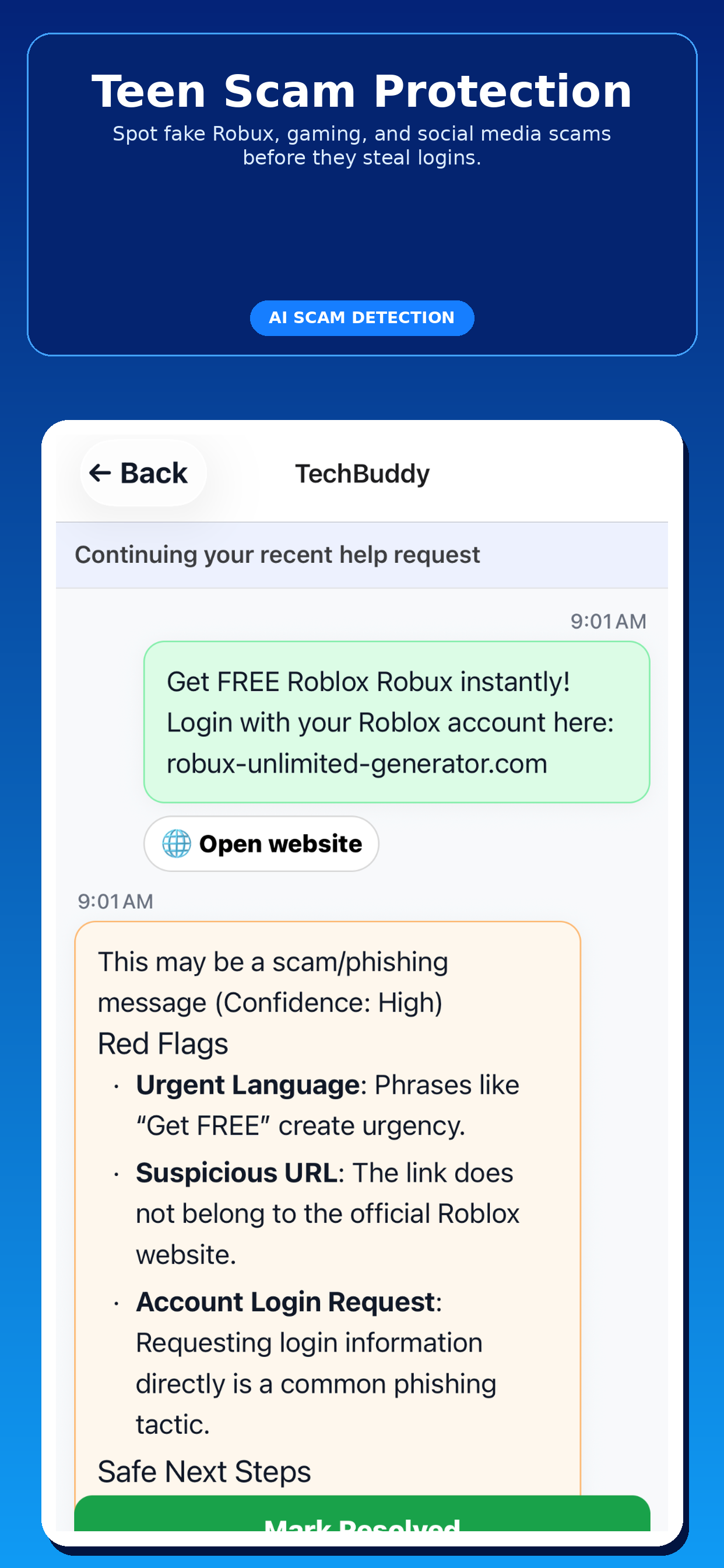
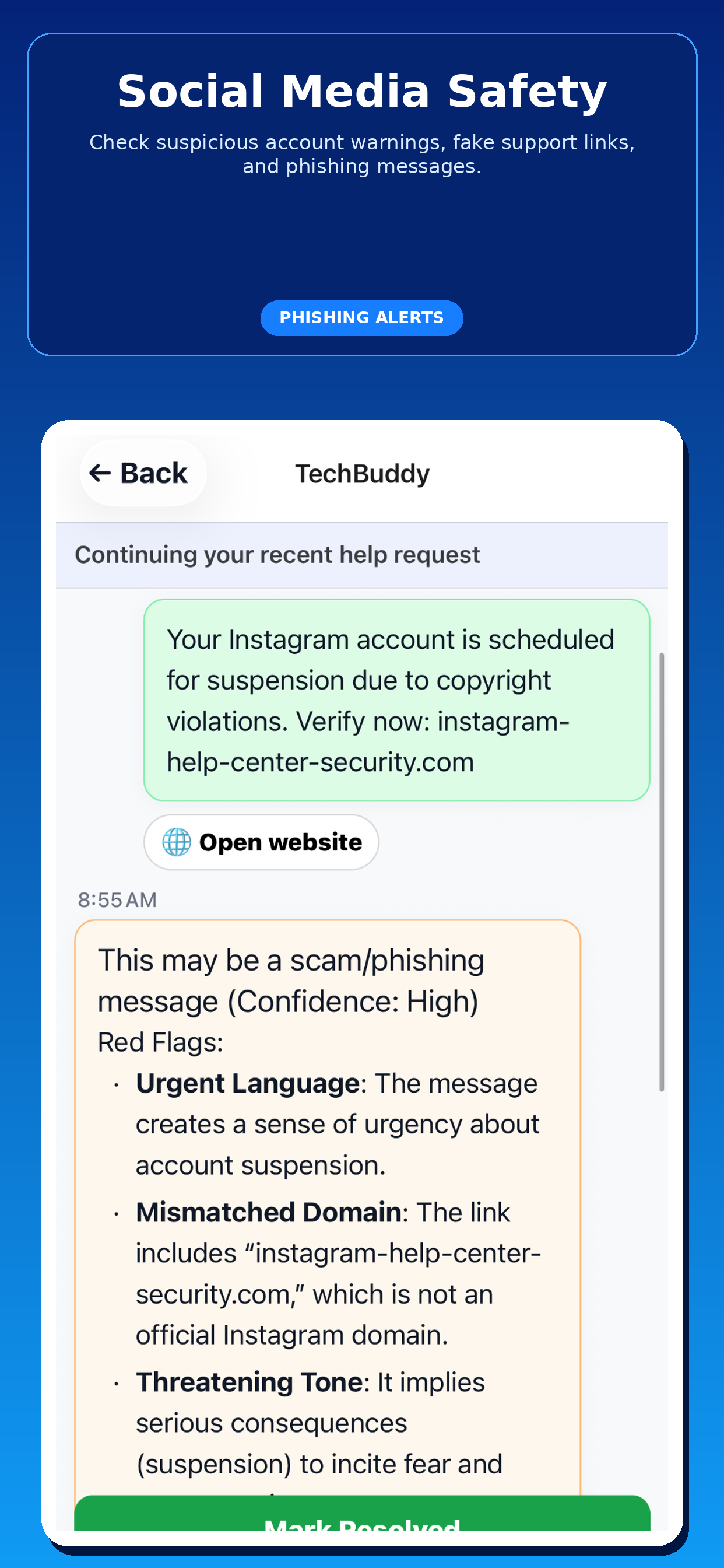
Spot scams faster Get calm guidance before a bad click happens
Just take a picture Snap a screenshot or photo and get help
Family backup Bring trusted people in when it matters most
TechBuddy AI home screen showing large senior-friendly buttons for scam alerts, tech help, and showing the problem with a picture.

Simple when it matters most

Whether it is a suspicious text, a confusing image, or a device problem, TechBuddy AI helps seniors get unstuck quickly.

1

Ask or snap a photo

Seniors can type what happened or just take a picture. The experience stays large, clean, and easy to follow.

2

Get clear next steps

TechBuddy AI explains what is happening in simple language and gives practical, safer next steps.

3

Notify family when needed

If something looks urgent or confusing, family members can get an alert and help through a secure hosted thread.

Made for both sides of the problem

Seniors get simple help. Families get peace of mind.

For Seniors

Help without tech jargon

The app is designed to feel calm, readable, and easy to use in stressful moments.

  • Big, simple actions
  • Plain-English explanations
  • Easy screenshot and photo sharing
  • Clear step-by-step help
For Families

Know when someone needs support

When a situation looks urgent or confusing, trusted family members can be looped in quickly.

  • Email and SMS alerts (coming soon)
  • Hosted web conversation viewer
  • Faster awareness of risky situations
  • Less panic, better coordination

Built to feel trustworthy

Families need confidence. Seniors need calm. The product should communicate both.

Privacy, clarity, and human backup

Plain-English guidance Simple wording and big, obvious actions help reduce stress in moments that feel urgent.
Family can step in Trusted contacts can receive alerts and review the conversation when a senior needs extra support.
Secure foundation Built on Firebase with authenticated accounts, protected storage, and hosted web access for family threads.
Senior-friendly by design No complex menus, no tech jargon, and no intimidating setup just to get help.
The core promise

“TechBuddy AI helps seniors feel safer with technology while making it easier for family to help at the right time.”

Clear help first. Human backup when it matters.

See the product in action

Real screens showing how TechBuddy AI helps with scams, screenshots, and everyday tech problems.

TechBuddy AI conversation screen warning that a bank account locked text may be a scam or phishing attempt.

Stop scams instantly

When something feels suspicious, the app explains the red flags and the safest next step.

TechBuddy AI screen where a senior shares a photo and gets help understanding what is shown.

Just take a picture

Seniors can snap a screenshot or photo instead of trying to explain a confusing message.

TechBuddy AI family alert email showing a bank fraud risk alert and quick review button.

Family gets notified

Trusted family members can get alerted quickly when a situation needs another set of eyes.

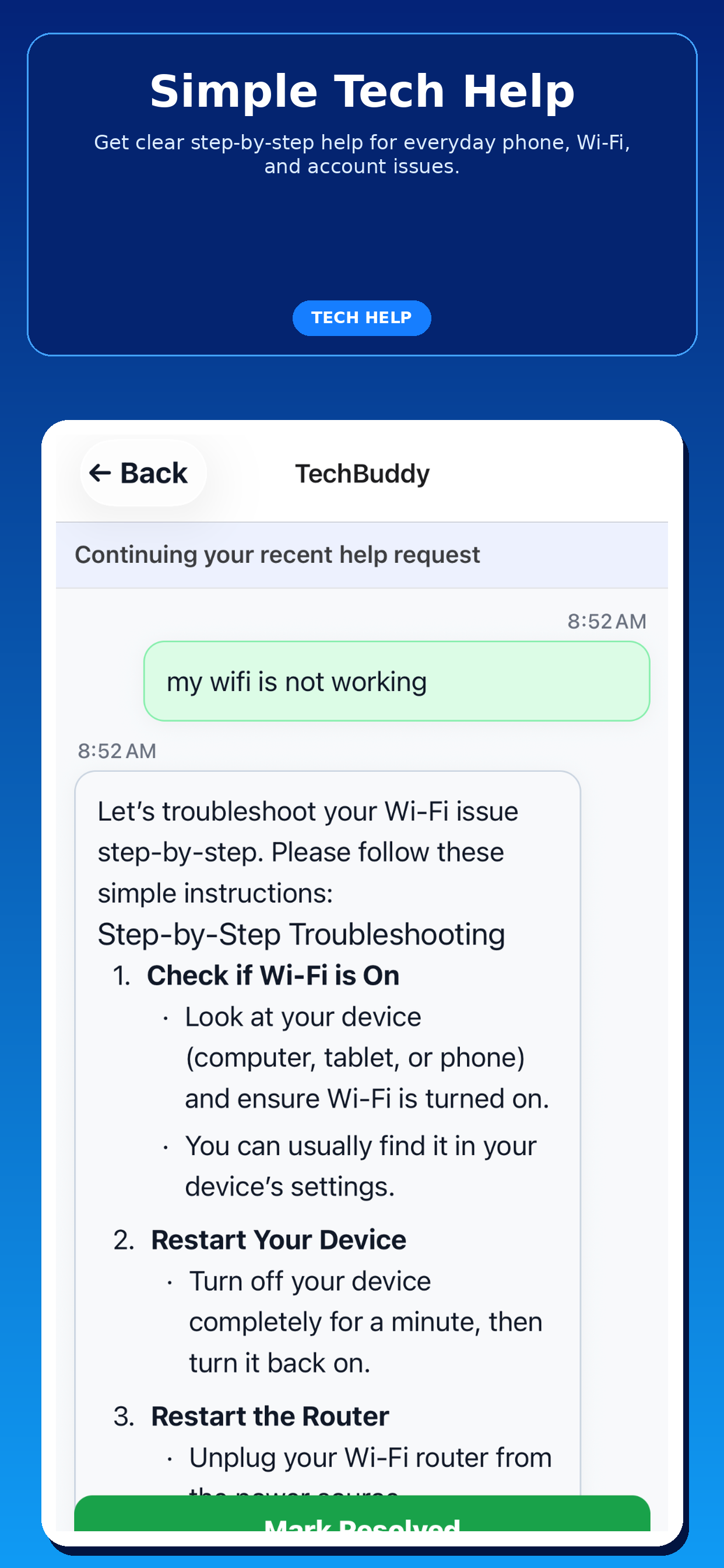
TechBuddy AI conversation screen walking a senior through Wi-Fi troubleshooting step by step.

No tech skills needed

Step-by-step guidance keeps everyday tech problems from turning into stressful moments.

TechBuddy AI home screen with one tap help options for scam alerts, tech help, and showing the problem.

One-tap help

The home screen is simple, clear, and made for fast action when someone needs help now.

TechBuddy AI senior-friendly app home screen with large readable buttons and family contact status.

Designed for seniors

Large buttons, simple wording, and clean structure make the app feel approachable right away.

Give seniors a safer way to get tech help

TechBuddy AI is built for real moments: scam texts, fake bank alerts, strange pop-ups, confusing screenshots, and device problems that need a calm explanation.

Join the early access list

Not ready to download yet? Join the waitlist and we’ll let you know when TechBuddy AI opens up to more users.

Or Try TestFlight Now

We’ll only use this to contact you about TechBuddy AI updates and access.

Frequently asked questions

Short, direct, reassuring answers.

Who is TechBuddy AI for?

It is designed for seniors who need simple help with suspicious messages, scams, and everyday technology problems — and for family members who want visibility when help is needed.

What kinds of problems can it help with?

Suspicious texts, confusing screenshots, scam alerts, login issues, Wi-Fi problems, and other everyday tech questions.

How do family alerts work?

When a situation appears urgent or support is requested, family members can receive an alert and review the conversation through the hosted thread page.

Is the app available now?

TechBuddy AI is currently being shared through TestFlight while it continues moving toward full production release.

Join TestFlight